Materials
Materials are the raw materials and consumables you keep in stock — the inputs to your products. Find them under Materials in the main menu.
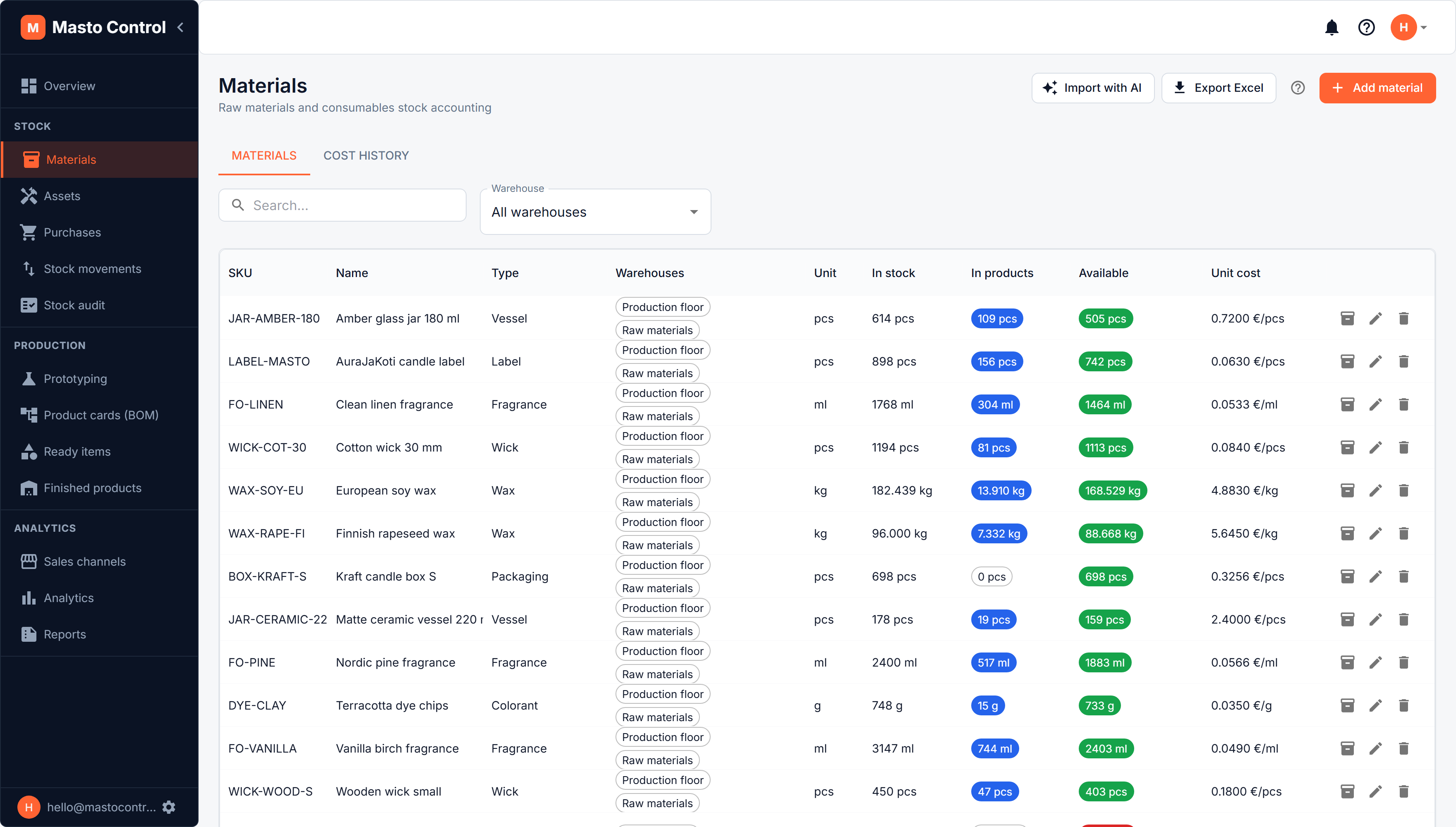
Material card
Each material has:
- Name, material type (from your dictionary of types), and unit of measure
- One or more warehouses it can be stocked in — a material can be assigned to several warehouses at once
- Minimum stock — when available stock drops below this, the material is flagged on the dashboard and (if enabled) triggers a low-stock email
- Unit cost — normally calculated automatically from purchases; can be overridden manually, but a manual override only affects future cost calculations, not the cost history of lots already created
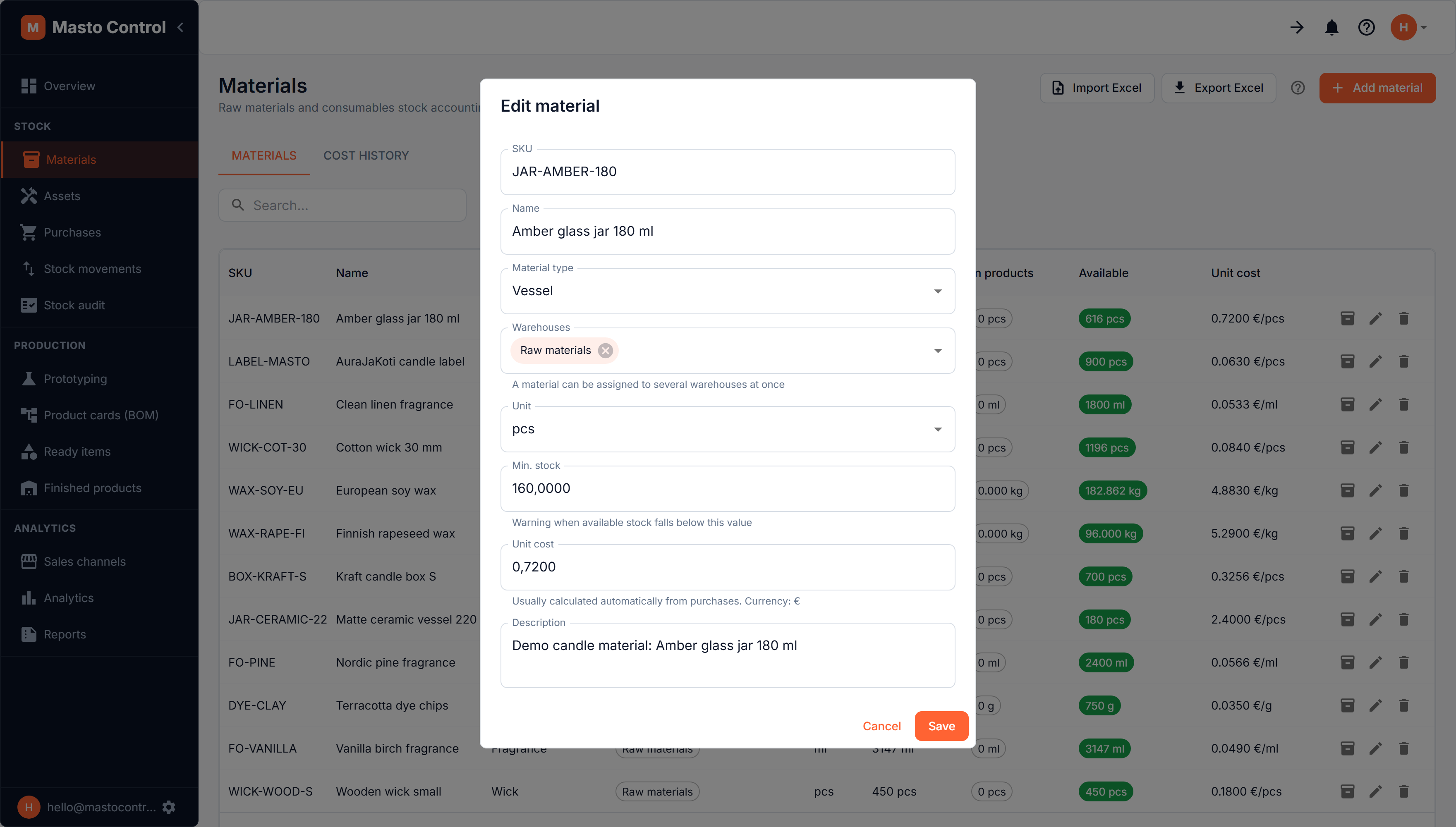
Stock numbers
For every material you'll see:
- In stock — total physical quantity across its warehouses
- In products — quantity already reserved into production batches
- Available — in stock minus reserved (what you can actually use or sell against)
Lots and FIFO
Stock isn't tracked as one number — it's tracked as lots, created automatically whenever a purchase is received. Each lot has its own quantity, cost, purchase date, and optional expiry date.
When materials are consumed (in production, stock audits, or transfers), Masto Control consumes the oldest lot first — automatic FIFO (first-in, first-out). This keeps unit costs accurate without you having to pick lots manually.
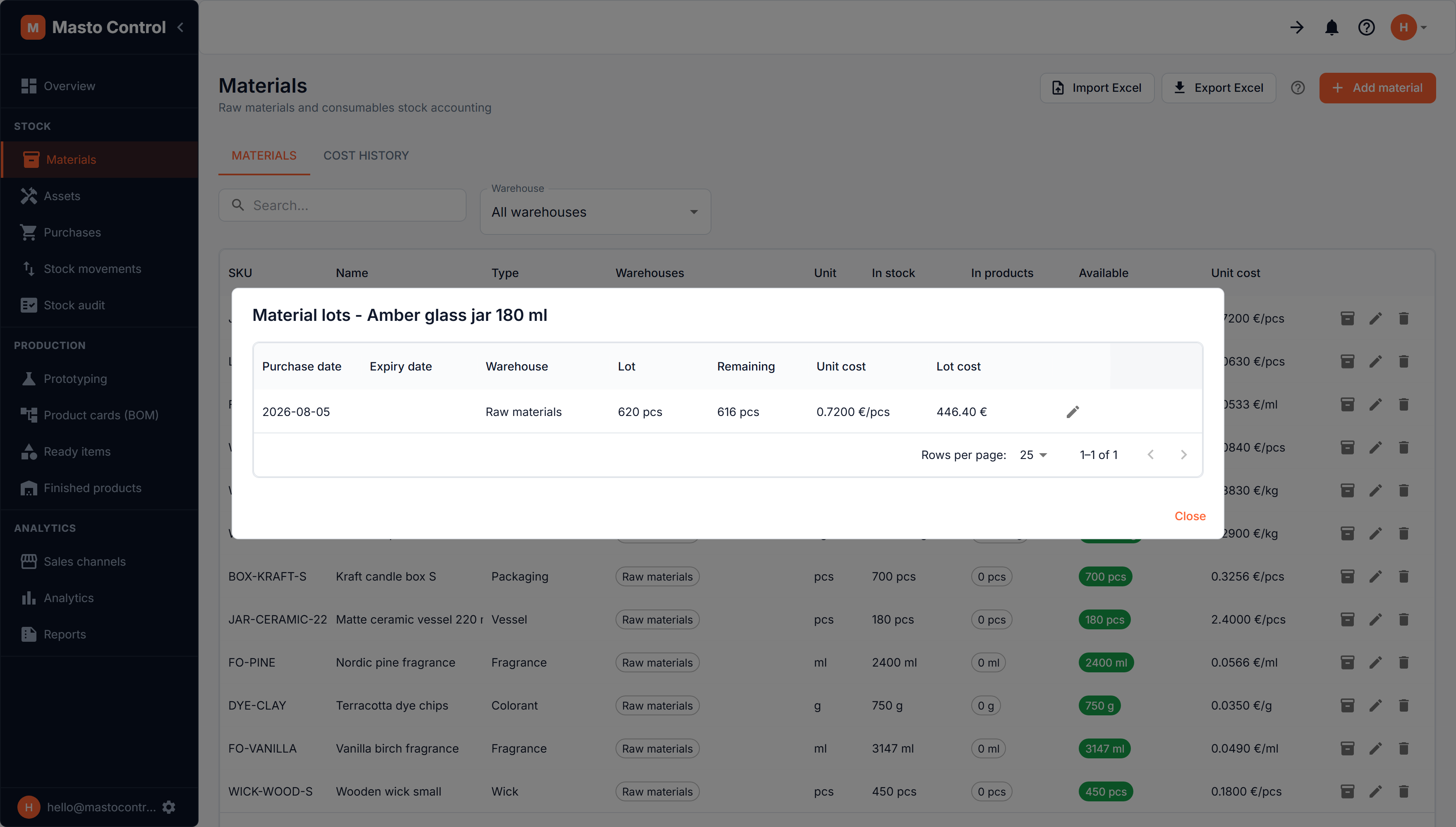
A lot's remaining quantity is what is still free to use. Material already reserved into finished goods is charged against the oldest lots first, exactly as consumption would be, so the lots never add up to more than the material's available figure — and inventory valuation cannot count the same wax twice, once as stock and once inside a candle.
Import/export
To bring in many materials at once, use Import with AI: it reads a spreadsheet in any layout, pasted text or a photo, and proposes the materials for you to check. Materials can also be exported to Excel for offline review.
Cost history
The Cost History tab next to the materials list shows how a material's unit cost moved over time as new purchase lots came in.